


Quick Summary
Proactive network monitoring is the continuous, automated watch over your network devices, servers and connections that flags problems before users notice them. It shifts IT from reactive firefighting to early warning, which reduces downtime for small and mid-sized businesses.
- It tracks device health, network performance, availability and security signals around the clock.
- Failing components often show warning signs for hours or days before an outage.
- Baseline monitoring makes gradual performance drift stand out before users complain.
- Tune alert thresholds and assign named owners to avoid alert fatigue.
- Track unplanned outages, MTTD and MTTR for a full quarter before and after deployment.
Table of Contents
- Reduced Downtime and Outage Prevention
- Early Detection of Network Issues and Faster Troubleshooting
- Proactive Network Monitoring Tools Worth Considering
- Network Monitoring Best Practices to Get Real Results
- Network Monitoring Examples Across Office, Remote and Cloud Setups
- Measuring ROI, Alert Fatigue and Monitoring Boundaries
- Booking a Network Health Review With A PC Geek
- Frequently Asked Questions
What Proactive Network Monitoring Actually Does
Proactive network monitoring is the continuous, automated watch over your network devices, servers and connections that flags problems before users notice them. Instead of waiting for a printer to fail or a file server to go dark, the monitoring tool tracks performance and alerts your IT team to early warning signs. Shifting from reactive firefighting to proactive support is one of the most effective ways to reduce downtime for small and mid-sized businesses.
Most small offices still run IT the reactive way. Someone calls the help desk, a technician logs in, and the problem gets fixed after work has already stopped. Proactive monitoring reverses that sequence. The system watches for things like rising bandwidth use, failing disk space, overheating hardware and unusual traffic, then notifies someone while the issue is still small.
Here is what a typical monitoring setup tracks:
- Device health, including CPU, memory and disk usage on servers and workstations
- Network performance, such as latency, packet loss and bandwidth use
- Availability, meaning whether routers, switches, firewalls and access points are responding
- Security signals, including unusual logins and suspicious traffic patterns
Watch out: alerts only help if someone acts on them. A monitoring tool that sends hundreds of unread emails provides no protection at all.
Reduced Downtime and Outage Prevention
Downtime costs money, and the cost grows the longer systems stay down. Proactive monitoring shortens outages in two ways. It catches many failures before they cause an outage, and when an outage does happen, it shows where to look first.
Many businesses find that a failing component often shows warning signs for hours or days beforehand. Prevent network downtime explains which signals to watch and how to act on them. A drive with rising error counts, a switch port with climbing packet loss, or a server whose memory keeps creeping upward all give notice. Monitoring turns those signals into scheduled repairs instead of emergency calls.
Knowing who gets alerted, at what severity and within what timeframe removes guesswork during an incident.
Early Detection of Network Issues and Faster Troubleshooting
Early detection matters most for problems that build slowly. A network that gradually loses speed over several weeks may never trigger a single complaint until the day it stops working entirely. Baseline monitoring compares current performance against normal patterns, so a gradual drift stands out.
When a problem does reach users, monitoring data speeds up diagnosis. Technicians can see which device changed, when it changed and what else shifted at the same time. That cuts the back-and-forth of asking users to restart machines and reboot routers.
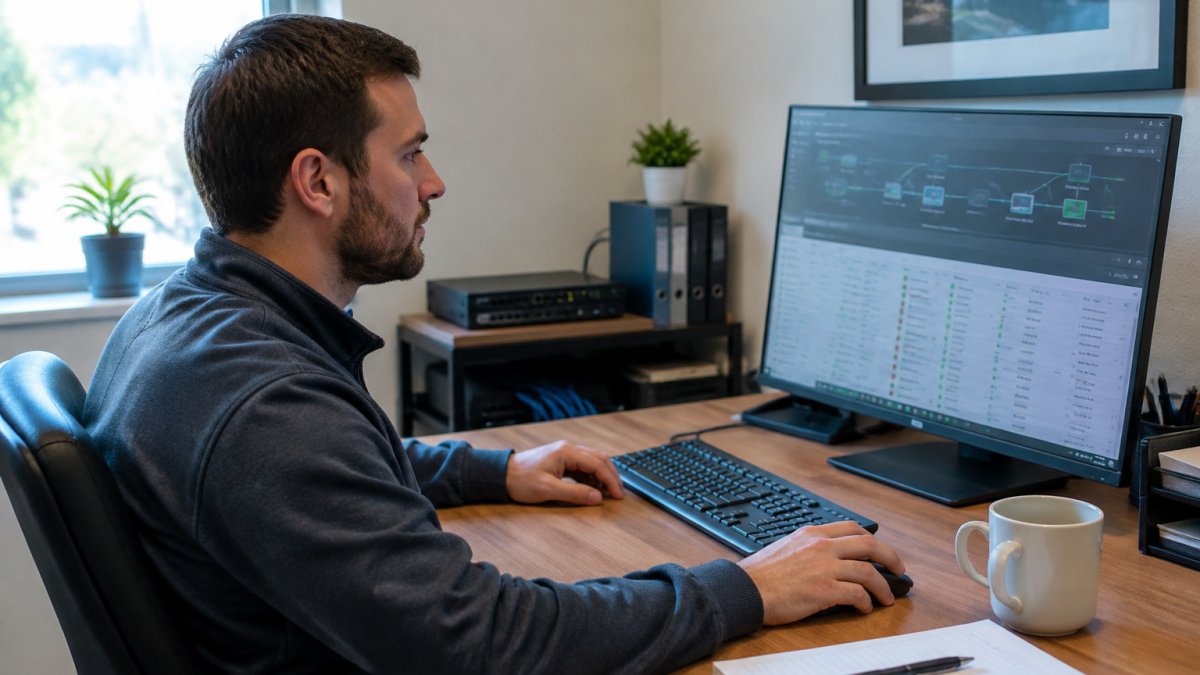
A common mistake is treating every alert as urgent. Set thresholds carefully, so that a brief spike does not page someone at 2 a.m. while a sustained trend still gets noticed.
Proactive Network Monitoring Tools Worth Considering
Monitoring platforms range from lightweight agents that track a handful of devices to full suites that cover entire networks, and the right choice depends less on feature checklists than on three questions: how many devices you run, whether you have in-house IT staff to tune and respond to alerts, and how much of your estate sits in the cloud versus on-premises. Answer those first, because they determine which category of tool fits.
A practical way to sort the market is by coverage model rather than brand. Agent-based tools install software on each server, workstation, or laptop and report detailed health and performance data; they are strong for remote and hybrid fleets because the agent travels with the device. Agentless tools rely on SNMP, APIs, and network scans to watch routers, switches, firewalls, and access points without installing anything; they are strong for infrastructure but blind to what runs on endpoints. Most mature environments end up with a mix, and the tool you choose should let both feed one dashboard so problems do not hide between systems.
When you evaluate tools, look for these practical features:
- Automatic discovery of devices on the network, so new hardware does not become a blind spot
- Customizable alert thresholds, severity levels, and escalation rules with named owners
- Reporting that shows trends over time, not just current status
- Coverage for on-premises, cloud, and remote devices in a single view
- Integrations with ticketing and communication tools your team already uses
- Clear pricing that scales with the number of endpoints and monitored services
Pricing depends on vendor, device count, and included services, so request current quotes directly and ask what happens when you add devices mid-term. Ask each vendor to quote a 12-month total cost that includes onboarding, support, and any add-on modules you would realistically need.
For a managed approach where monitoring, alert handling, and remediation are bundled, A PC Geek can walk you through what is included and where the boundaries sit. The key question to ask any provider is who responds when an alert fires at 2 a.m., and how quickly, because a tool without a response plan is just a dashboard.
Network Monitoring Best Practices to Get Real Results
Installing a tool is the easy part. Getting results depends on how it is configured and who responds to it.
Start by inventorying every device that touches your network, including printers, phones and cameras. Gaps in that inventory create blind spots. Next, set baselines during normal operation so the system knows what healthy looks like. Then tune alert thresholds for a few weeks before relying on them fully.
A useful checklist:
- Inventory all network devices and servers
- Define normal performance baselines
- Set severity levels and named owners for each alert type
- Review alert volume monthly and retire noisy rules
- Test the escalation path with a simulated outage
Keep documentation current. When staff turn over, the monitoring setup should remain understandable to whoever inherits it.
Network Monitoring Examples Across Office, Remote and Cloud Setups
The same principles apply across different environments, though the details change. If older systems are part of your mix, see how to manage legacy software with outsourced IT. In a single office, monitoring focuses on the local switches, firewall, file server and wireless access points. Alerts are straightforward because the network sits in one building.
Remote and hybrid teams add complexity. Home connections vary in quality, and laptops move between networks. Monitoring agents on those devices can report whether a problem sits with the user’s connection or with company systems, which saves time during support calls.
Cloud environments require watching service availability and API response times alongside traditional hardware. A company with a mix of on-premises servers and cloud applications needs one view that covers both, or problems will hide between the two systems.
Measuring ROI, Alert Fatigue and Monitoring Boundaries
Measuring the value of proactive monitoring requires concrete measures, not impressions. The most useful starting set is: unplanned outages per quarter, mean time to detect (MTTD), mean time to resolve (MTTR), the number of user-reported incidents, and the share of incidents caught by monitoring before a user called. Track each figure for a full quarter before deployment and again for two quarters after, because MTTD typically improves first, followed by a drop in emergency calls and then a decline in outage count.
A simple example shows how to frame the calculation without inventing vendor claims. Suppose a business records 12 unplanned outages per quarter, each costing four hours of lost productivity across 20 affected employees at a fully loaded cost of $50 per hour. That is 12 × 4 × 20 × $50 = $48,000 per quarter in productivity loss alone, before overtime, expedited parts, or customer credits.
Alert fatigue is the most common reason monitoring fails in practice. When staff receive too many notifications, they start ignoring them, and the tool becomes background noise. The fix is operational, not a bigger screen. Set baselines during normal operation so thresholds reflect what healthy looks like for your environment. Group related alerts so a single failing switch does not generate forty separate notifications.
Watch out: a common failure is leaving default thresholds in place after rollout. Vendor defaults are tuned for a generic environment, and they will either flood your team with false positives or miss the slow drifts that matter most.
Monitoring also has boundaries. Collecting data about employee devices and internet use raises privacy and compliance questions. Document what you monitor, why you monitor it, who can access the data, and how long it is retained. Limit collection to telemetry that supports a defined operational or security purpose, and consult a qualified attorney for guidance specific to your organization. A monitoring program that supports audit and compliance needs without over-collecting data is easier to defend and easier to maintain.
The article’s ROI example puts the numbers side by side, so you can see how the figures combine.
| Item | Value | Note |
|---|---|---|
| Unplanned outages per quarter | 12 | Example business in the article |
| Hours lost per outage | 4 | Lost productivity per incident |
| Employees affected per outage | 20 | Staff impacted each time |
| Fully loaded cost per hour | $50 | Used to price lost time |
| Quarterly productivity loss | $48,000 | 12 × 4 × 20 × $50 |
| Avoided loss if outage hours fall by a third | $16,000 | Roughly per quarter |
Booking a Network Health Review With A PC Geek
If you want to know where your network stands today, a network health review is the practical starting point. At A PC Geek, we look at your devices, current alerting setup and recent incidents, then show you where the risks are. You can book a network health review to see how a managed IT service handles proactive monitoring at a flat monthly rate. For businesses concerned about threats as well as uptime, our network security services cover the protection side of the same picture.
Downtime rarely announces itself, which is exactly why proactive monitoring pays off. Contact us today to start the conversation.
Frequently Asked Questions
What is the main purpose of network monitoring?
The main purpose of network monitoring is to watch the health of devices, connections and services so problems are visible before users feel them. Monitoring tracks uptime, bandwidth use, latency, packet loss, disk capacity and server resource use. When a metric drifts outside its normal range, an alert goes to the people who can act on it. For a small business, this means fewer surprise outages, faster fixes and a clearer picture of what the network is doing day to day. Pricing for managed monitoring depends on the number of devices and the level of support, so contact A PC Geek for a quote.
How does proactive network monitoring reduce downtime?
Proactive network monitoring reduces downtime by catching the warning signs that come before a failure. A failing switch, a server running out of disk space or a link showing rising packet loss can all be flagged and fixed during business hours instead of during an outage. Teams also use performance baselines to spot unusual traffic or congestion early. The result is shorter incidents, fewer emergency calls and more time for staff to do their work without interruption.
What is the difference between proactive and reactive network monitoring?
Reactive monitoring waits for something to break, then responds once users report a problem. Proactive monitoring watches continuously, uses alerts and baselines, and acts on early indicators before the failure occurs. Reactive support often means longer outages and rushed fixes. Proactive support focuses on prevention, root cause analysis and steady maintenance.
How often should a business monitor its network?
Business networks should be monitored continuously, around the clock, because outages and security events do not follow office hours. Review reports and performance trends on a regular schedule, such as weekly for alerts and monthly for capacity and ROI metrics. Remote sites and cloud resources need the same attention as the main office. A PC Geek can set up continuous monitoring for your environment and explain what reporting cadence fits your team.
