
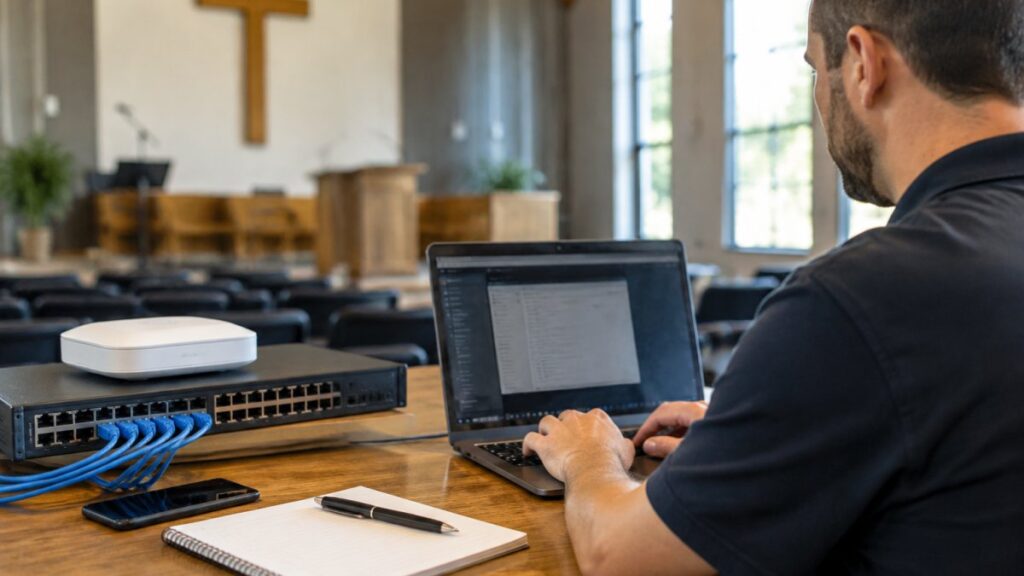

Quick Summary
Choose managed IT services for churches by mapping your current systems and ministry needs, shortlisting providers with nonprofit experience, comparing written quotes on the same scope, and checking security, support coverage and transition planning before signing a contract.
- List every system the church uses, including sound boards, projectors and staff phones.
- Confirm each provider has documented experience with churches or other nonprofit organizations.
- Ask every provider for a written first-year total covering setup, onsite visits and hardware.
- Verify multi-factor authentication, tested backups and an incident response plan before choosing.
- Score each provider on weighted criteria, then review the scorecard again at six months.
Table of Contents
Why Churches Need a Different Kind of IT Partner
A church runs on more than Sunday services. Member records, donation processing, live-streamed worship, volunteer schedules and a building full of Wi-Fi users all depend on technology that most congregations never see until it fails. When it does, the consequences fall on people who are already stretched thin, usually volunteers.
That is why choosing managed IT services for churches deserves more care than picking a generic vendor. Churches have different priorities than a typical office. A sales firm cares about uptime during business hours. A church needs systems that work on Sunday morning, during a Wednesday youth event and during a surprise funeral on a Saturday.
Church technology also has a higher privacy burden than most people expect. Congregant records, giving history and pastoral care notes are sensitive, and the people who store them are often volunteers without formal IT training.
The steps below walk through a practical process: map your needs, build a shortlist, compare costs, evaluate security, confirm support coverage, score your options and plan the transition. Each step is designed to help a church leadership team make a confident decision without needing deep technical expertise.
Step 1: Map Your Current Technology and Ministry Needs
Start by listing what your church actually uses. Include the obvious items, such as computers, servers, phones and the church management software, but also the less visible ones: the sound board connected to a laptop, the projector in the fellowship hall, the printer the nursery volunteers rely on, and the personal phones staff use for church email.
Next, match each system to the ministry it supports. A donation platform supports financial stewardship. A livestream setup supports members who cannot attend in person. Knowing the purpose of each system helps you judge how much downtime you can tolerate and which failures would hurt most.
Write down your known problems too. Slow Wi-Fi during services, a backup that nobody has tested and a shared password on the office computer are all signals worth recording. These notes become the baseline a provider must address.
Step 2: Build a Provider Shortlist with a Church IT Provider Checklist
Once you know your needs, build a shortlist of three to five providers. Look for firms that have worked with churches or nonprofits specifically, since their experience with donor systems, volunteer turnover and seasonal event schedules will show. Check whether a provider has experience with IT for nonprofit organizations.
Use a church IT provider checklist to compare them consistently. Confirm that the provider:
- Has documented experience with churches or other nonprofit organizations
- Offers help desk support by phone, not only by ticket
- Describes its onsite response process and typical response windows
- Explains how it secures member and financial data
- Supports your church management software and audiovisual equipment
- Provides references from organizations of similar size
Ask each provider to walk you through a recent situation where something went wrong and how they resolved it. Vague answers are a warning sign.
Step 3: Compare Managed IT Services Cost for Churches
Cost comparisons only work when every provider quotes the same scope. Ask each firm to price the same list of devices, users, locations and services. Pricing depends on the size of your congregation, the number of devices and locations, and the level of support you need, so request written quotes.
What Pricing Models to Compare
Managed IT providers commonly price in one of three ways: a flat monthly fee covering defined services, a per-user or per-device charge, or a hybrid model with a base fee plus add-ons. Each model has trade-offs.
A PC Geek offers flat-rate pricing for unlimited phone and remote help desk support. Ask every provider to confirm exactly what its model includes.
Contract Terms and Hidden Fees to Check
Read the contract before comparing prices. Look for setup or onboarding fees, charges for after-hours or onsite visits, hardware markups, and minimum contract lengths. Ask how price changes are handled and whether you can cancel with notice.
Watch out: a low monthly figure can hide costs for onsite support, new equipment or software licenses. Ask for a total first-year cost estimate in writing.
Step 4: Evaluate Church Cybersecurity Services and Data Protection
Churches are attractive targets for fraud and ransomware because they hold personal data and handle regular payments. Ask each provider how it protects member and donor information, and what it does if a breach occurs.
Key questions include whether the provider enforces multi-factor authentication, how it handles data backups and whether backups are tested, and what its incident response plan looks like. Ask who on the provider’s team you would call at 2 a.m. if a volunteer clicked a phishing link.
Dark web monitoring can help detect whether staff credentials have been exposed in past breaches. You can read how the dark web monitoring service flags leaked login details. Ask providers whether they offer dark web monitoring, which flags leaked login details, and whether their cybersecurity services cover endpoint protection, firewall management and staff security training.
Step 5: Confirm Church IT Support Coverage and Response Times
Support coverage matters most when something breaks during a service. Ask each provider for its standard support hours, its emergency contact process and its typical response time for critical issues. Find out whether it offers weekend or event-day coverage.
Request a sample service-level agreement and check whether it includes measurable response and resolution targets. Vague promises such as “we respond quickly” should be followed up with specific numbers.
Also ask who you will actually speak with, and whether you will reach a named technician or a rotating queue.
Step 6: Score Providers Against Your Evaluation Criteria
Create a simple scorecard before you review proposals. Assign weights to the factors that matter most to your church, such as church experience, security, cost predictability, support responsiveness and transition support. Score each provider from one to five on every factor, then total the results.
A scorecard keeps the decision grounded in your priorities rather than the most polished sales presentation. Share it with your leadership team and, where appropriate, a technology-minded volunteer. Two or three reviewers often catch concerns one person misses.
Step 7: Plan the Transition Before You Sign Your Next Managed Services Contract
Switching providers is disruptive, so plan before you sign. Ask the new provider for an onboarding timeline that covers an inventory of your systems, credential handover, backup verification and a schedule that avoids major church events.
Document your current setup first. Record passwords in a secure password manager, note which vendors hold licenses in the church’s name, and confirm who owns the domain and the email accounts. These details are often overlooked and can delay a transition by weeks.
Plan the cutover for a quiet period, not the week of Easter or a capital campaign launch. Keep the previous provider available for a short overlap so nothing is lost during the handover. Once the new arrangement is running smoothly, review the scorecard again at the six-month mark to confirm the provider is delivering what was promised.
Managed IT services can give a church predictable costs, stronger security and reliable support when the partner is well matched to its needs. Work through the steps above, ask hard questions and insist on written answers. Contact A PC Geek to discuss your church’s needs and request a quote tailored to your congregation.
Frequently Asked Questions
What are managed IT services for churches?
Managed IT services for churches are ongoing technology support arrangements in which an outside provider monitors, maintains and secures a congregation’s computers, network, software and data. The provider typically offers a help desk, preventive maintenance and backup management for a predictable fee.
How much do managed IT services cost for a church?
Costs depend on the number of users, devices and locations, plus the support level you choose. Ask each provider for a written quote covering the same scope, and request a first-year total that includes setup and any onsite fees.
Do churches need cybersecurity services?
Yes. Churches store member records and process donations, which makes them targets for fraud and ransomware. Basic protections such as multi-factor authentication, tested backups and endpoint security reduce the risk considerably.
How do I know if a provider understands churches?
Ask for references from churches or nonprofits of similar size, and ask how the provider handles volunteer turnover and seasonal event schedules. Experience with church management software and audiovisual equipment is a strong indicator.
Frequently Asked Questions
How much should managed IT services cost for a church?
Cost depends on the number of users, devices, locations, and the level of coverage you need, including help desk hours, cybersecurity, backups, and onsite visits. Pricing is typically quoted as a monthly per-user or per-device fee, or as a flat-rate package, and the structure you choose affects how predictable your bill will be. Ask each provider to itemize what is included and what triggers extra charges, such as after-hours support or hardware replacement. For current pricing and a quote tailored to your congregation’s size, contact A PC Geek directly.
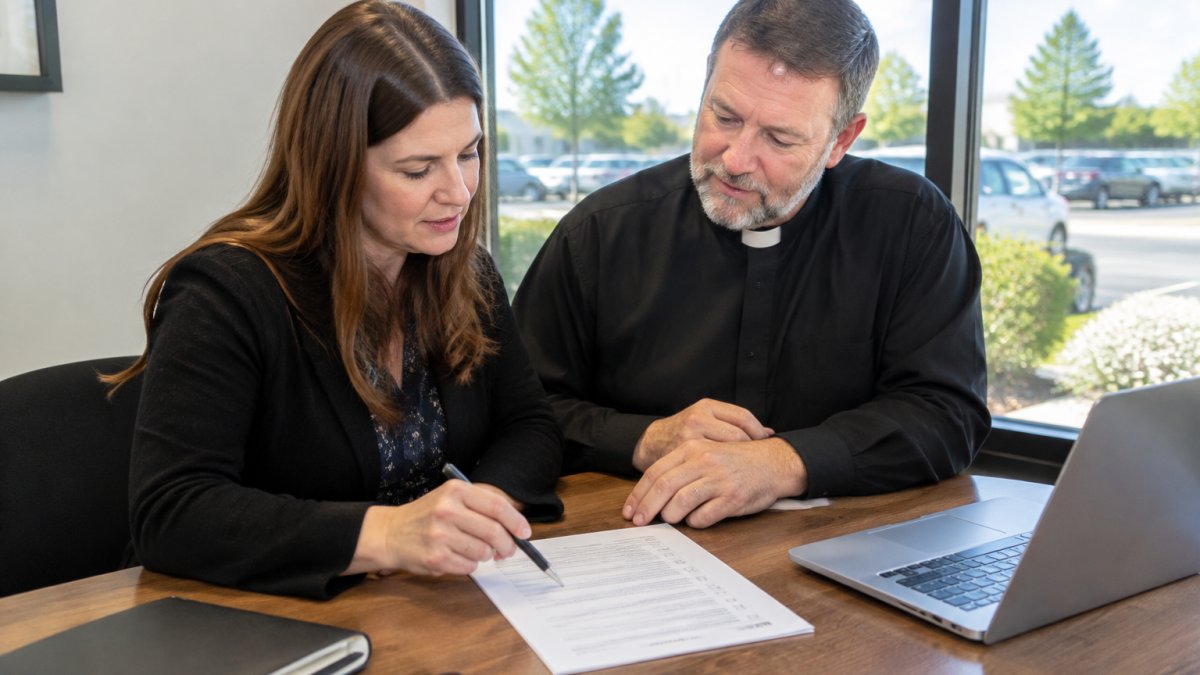
Do churches need cybersecurity and data backups?
Yes. Churches hold sensitive congregant records, giving and donor information, staff payroll details, and childcare or counseling notes, all of which need protection. A sound plan includes firewall and endpoint protection, multi-factor authentication for email and financial accounts, regular encrypted backups stored off-site, and a documented process for responding to a suspected breach. Ask any provider how they handle incident response and how quickly they can restore data from backup, because those answers matter far more than a list of tools.
Should a church hire an in-house IT person or use a managed service provider?
Many churches rely on a volunteer or a part-time staff member who handles technology alongside other duties, which leaves gaps when that person is unavailable or leaves. A managed service provider gives you a team that can cover help desk requests, monitoring, and updates without depending on one individual. A hybrid approach often works well: a staff technology lead handles day-to-day questions while a managed provider covers security, backups, and infrastructure. Compare the cost of a full-time hire, including benefits, against a managed contract that includes multiple technicians.
What should a church look for in a managed IT services provider?
Look for a provider that understands ministry operations, including seasonal peaks at Easter and Christmas, volunteer turnover, and live-streamed services. Confirm the service-level agreement specifies response times, uptime targets, and escalation paths. Ask for references from organizations of similar size, and find out whether you will work with real technicians or a ticket queue. Request a written scope that spells out what is covered, what is billed separately, and how the contract can be ended.
